BexudaroBexudaro home

Mobile product studio

Make the first path feel obvious.

Bexudaro is a focused studio for the work between a rough mobile idea and a testable product shape: the choices, states, routes, and questions that need to stay visible.
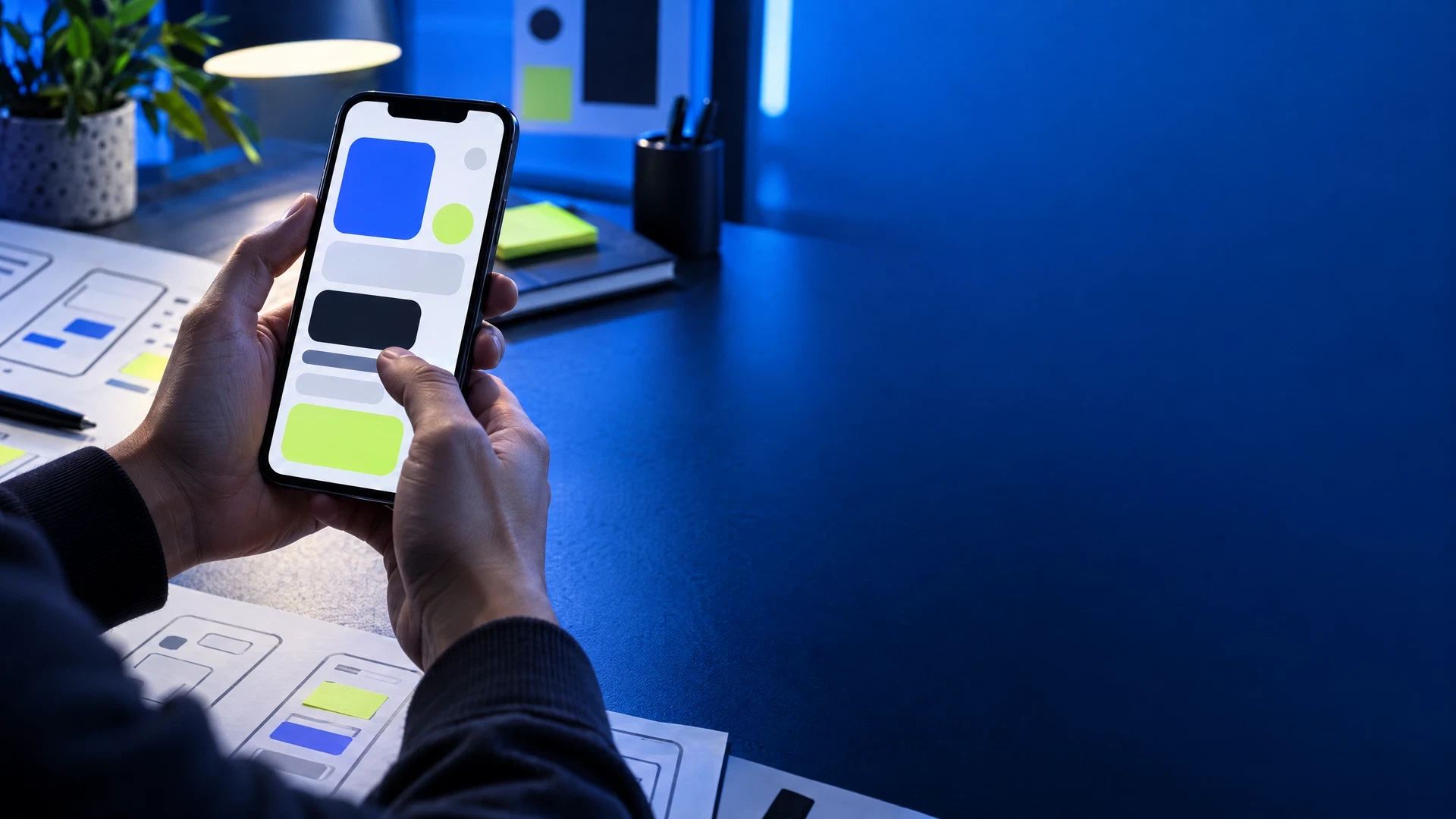
Hands holding an abstract mobile prototype at a blue studio desk
INPUT → ROUTE → REVIEW
Purpose before polishOne route at a timeNotes beside decisionsNo outcome promises

The build loop

A phone is a sequence of decisions.

Choose a stage to see the practical question it holds. The sequence is a studio method for discussion, not a claim that every product project should follow one fixed path.
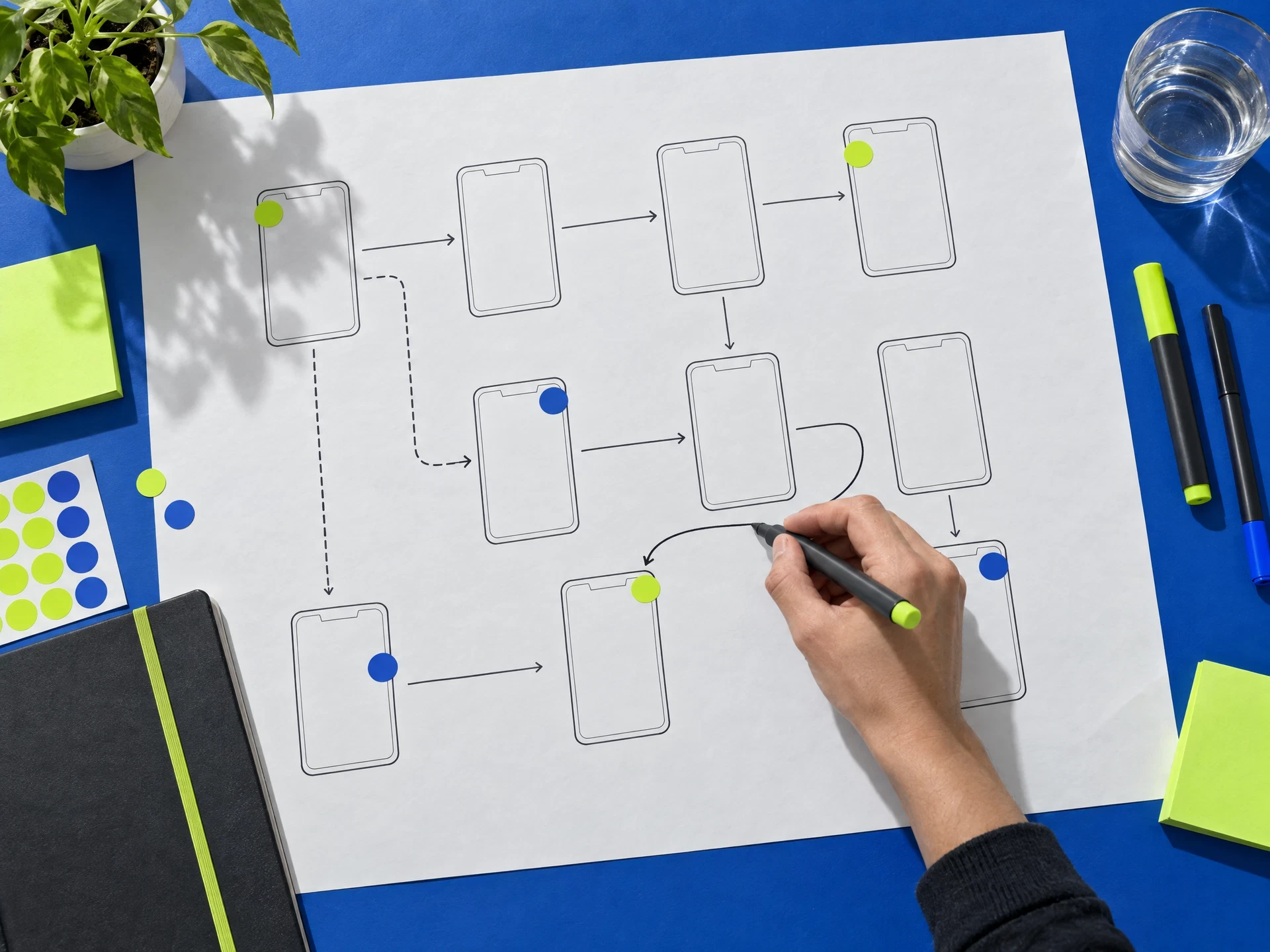
Mobile product storyboard on paper

ACTIVE BUILD STAGE

Map the real moment.

Start with a person, a situation, and a smallest useful action. The purpose is a shared working boundary, not a feature list.

Material wall
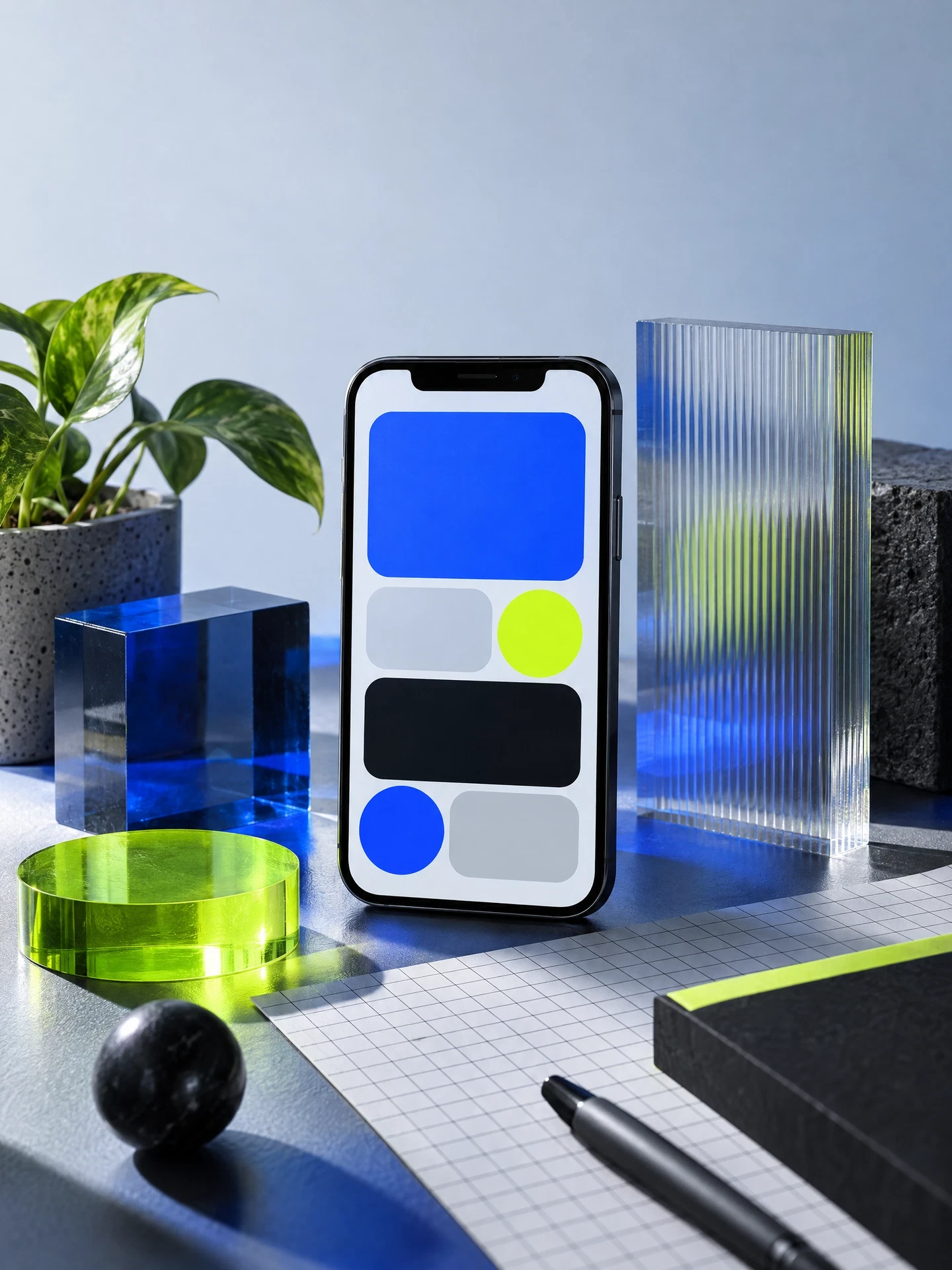
Different views expose different questions.

Abstract smartphone prototype with design materials
Prototype surface / inspect the visible state.
Two teammates reviewing a mobile prototype
Review room / speak about the route together.
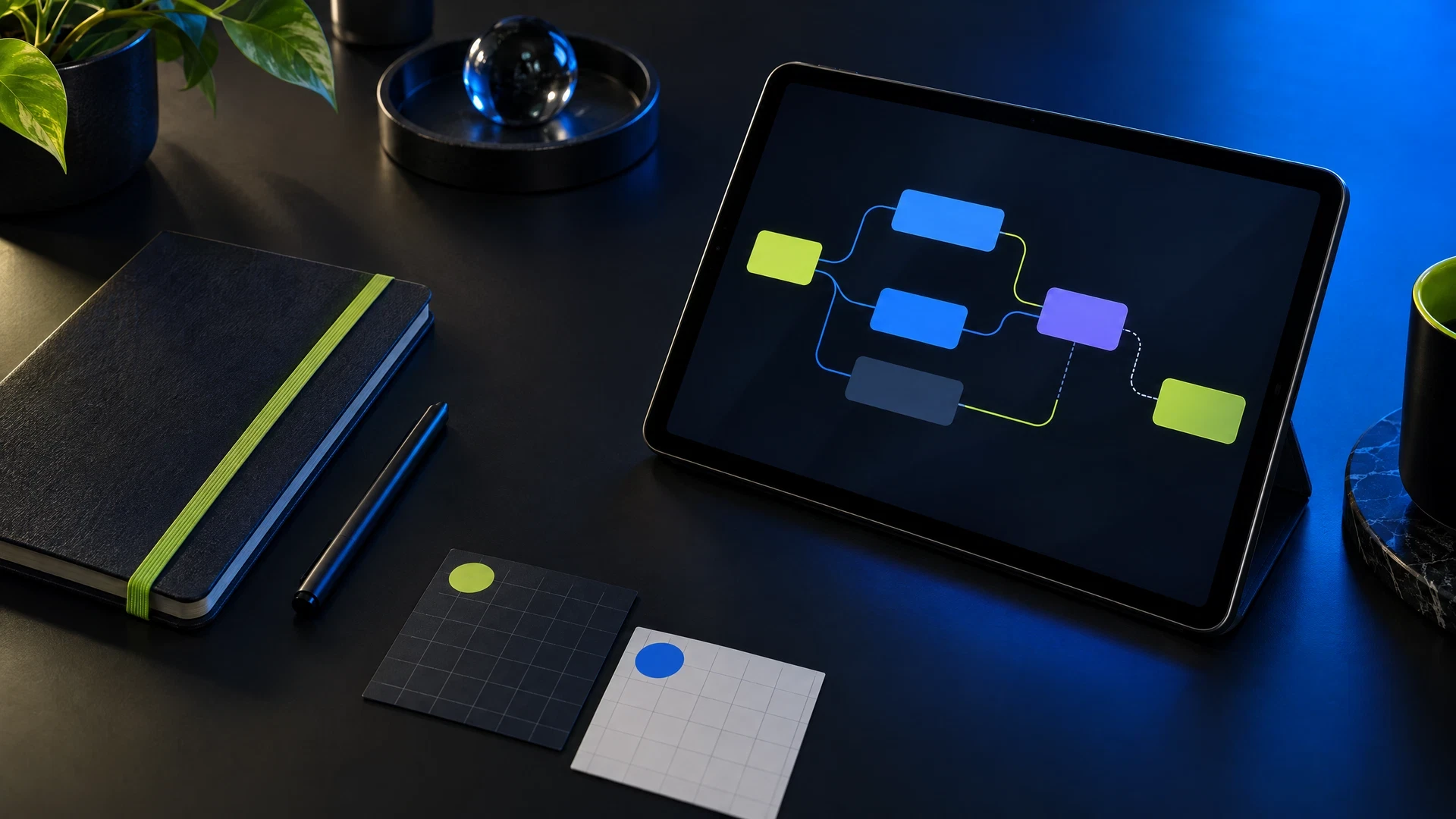
Tablet showing an abstract flow diagram on a studio desk
Flow map / keep the handoff legible.

Project runway

Keep the handoff in sight.

A release is not a finish line in this studio language. It is a moment to check what the first usable route makes clear, what stays uncertain, and what needs a next note.

01 / CONTEXT

Make the situation concrete.

Who is holding the phone, what do they need to notice, and what is the smallest action worth supporting?

02 / PROTOTYPE

Build a legible first route.

Use a tangible screen sequence to expose labels, empty states, decisions, and stopping points.

03 / REVIEW

Leave an inspectable note.

Record what was observed and what should be tested next without dressing it up as certainty.

Checkpoints

Evidence before the release note.

We use checkpoints to give product work a readable record. They are prompts for a review, not rankings, proof of quality, or a promise about user response.


  • Purpose — Can a reader name the job of this screen?
  • Route — Is the primary next action easy to locate?
  • State — Does the interface show what changed and what can happen next?
Unbranded abstract phone prototype on an acrylic standDesigner testing a generic mobile prototype at a blue deskQuiet dark studio desk with an abstract phone prototype

A working board

Turn a feature list into a useful path.

SignalAskUseful note
Unclear startWhere does the first action appear?Bring the task and its first action closer together.
Busy screenWhich choice carries the current task?Reduce competing options before adding explanation.
Silent stateWhat does a person need to know next?Name the new state and provide a reachable next move.
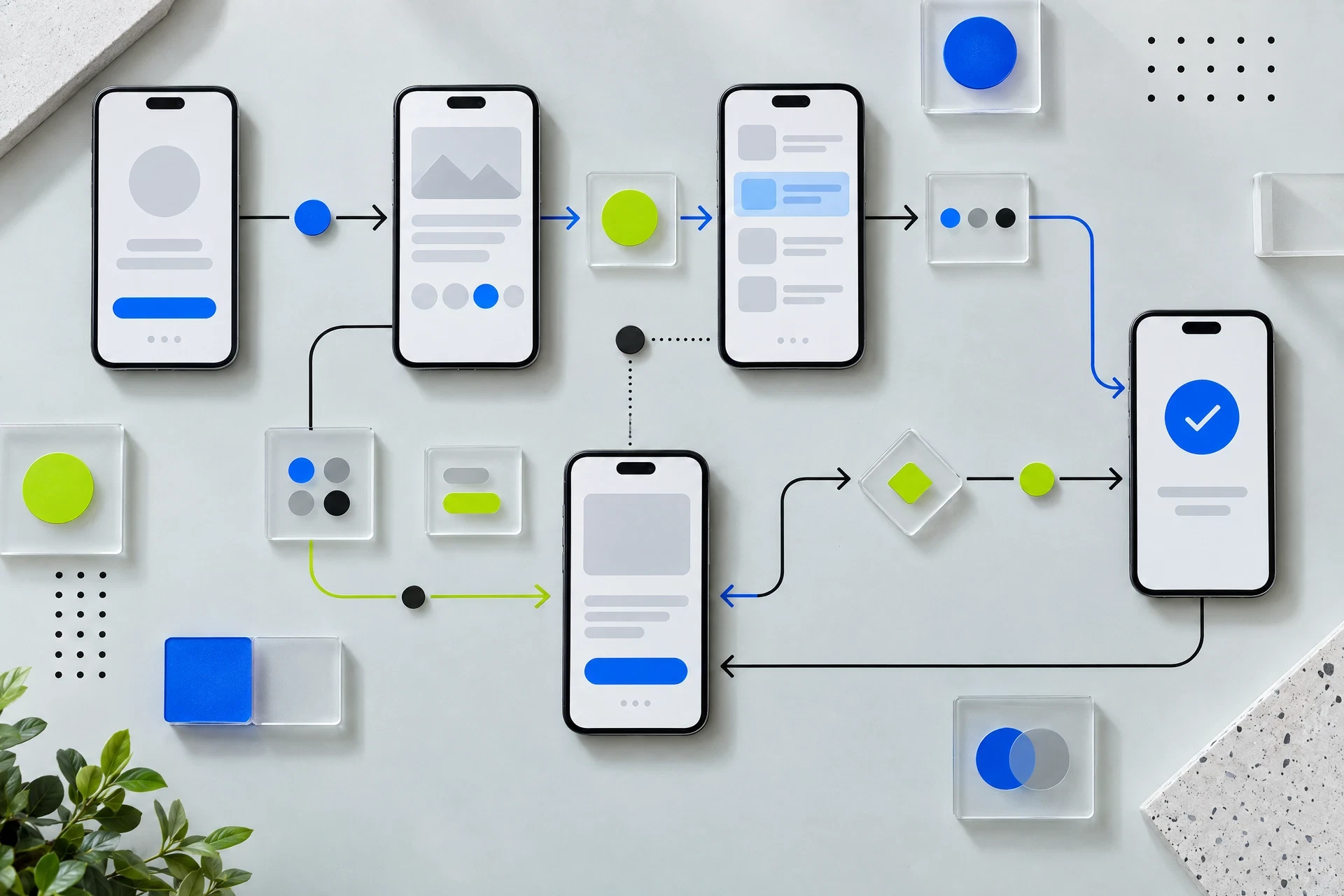
Abstract mobile user flow map made of cards and arrows

Product pulse

The route is a conversation.

“A screen does not have to do everything. It has to make the current decision easier to understand.”

Bexudaro keeps the working language close to the artifact: what a person sees, chooses, understands, and carries into the next screen.

Studio questions

Clear boundaries make better briefs.

No. Bexudaro is an informational studio website. It does not offer a store, payment flow, performance claim, fixed launch outcome, or completed-product marketplace through this site.

It means a bounded representation of a route that can be discussed and examined. The phrase does not promise that an idea will be suitable for a particular market, device, audience, or release.

No. The form creates a confirmation in the current browser only. It does not transmit, save, or process personal data on a server.

Browser-only studio brief

Keep the question useful.

This browser-only form keeps a concise product note local. It does not contact a studio, store your data, or start a service request.

Add a name for this local brief.
Add an email format for this local brief.
Choose a working area.
Write a short brief note.